|
|
? | Home page | DAWs
|


Acid Pro, originally developed by Sonic Foundry and later acquired by Magix, is a DAW that stands out for its loop-based approach to music production. It was one of the first software programs to popularize this method, making it especially well-suited for electronic music, hip-hop, or any genre that relies heavily on sampling.
What makes Acid Pro interesting is its intuitive handling of loops, with automatic tempo and pitch adjustment. This allows users to quickly build tracks by combining various sound elements. It also offers multitrack recording, audio editing, and mixing features, all within a user-friendly interface.
The software includes a solid library of sounds and loops, along with virtual instruments and effects. It supports VST plugins, which greatly expands its creative possibilities.
However, Acid Pro may feel somewhat limited or outdated compared to more modern and versatile DAWs like Ableton Live or Studio One. Still, it remains a practical tool for those who enjoy working quickly with loops and want a straightforward solution for creating tracks without too much complexity.
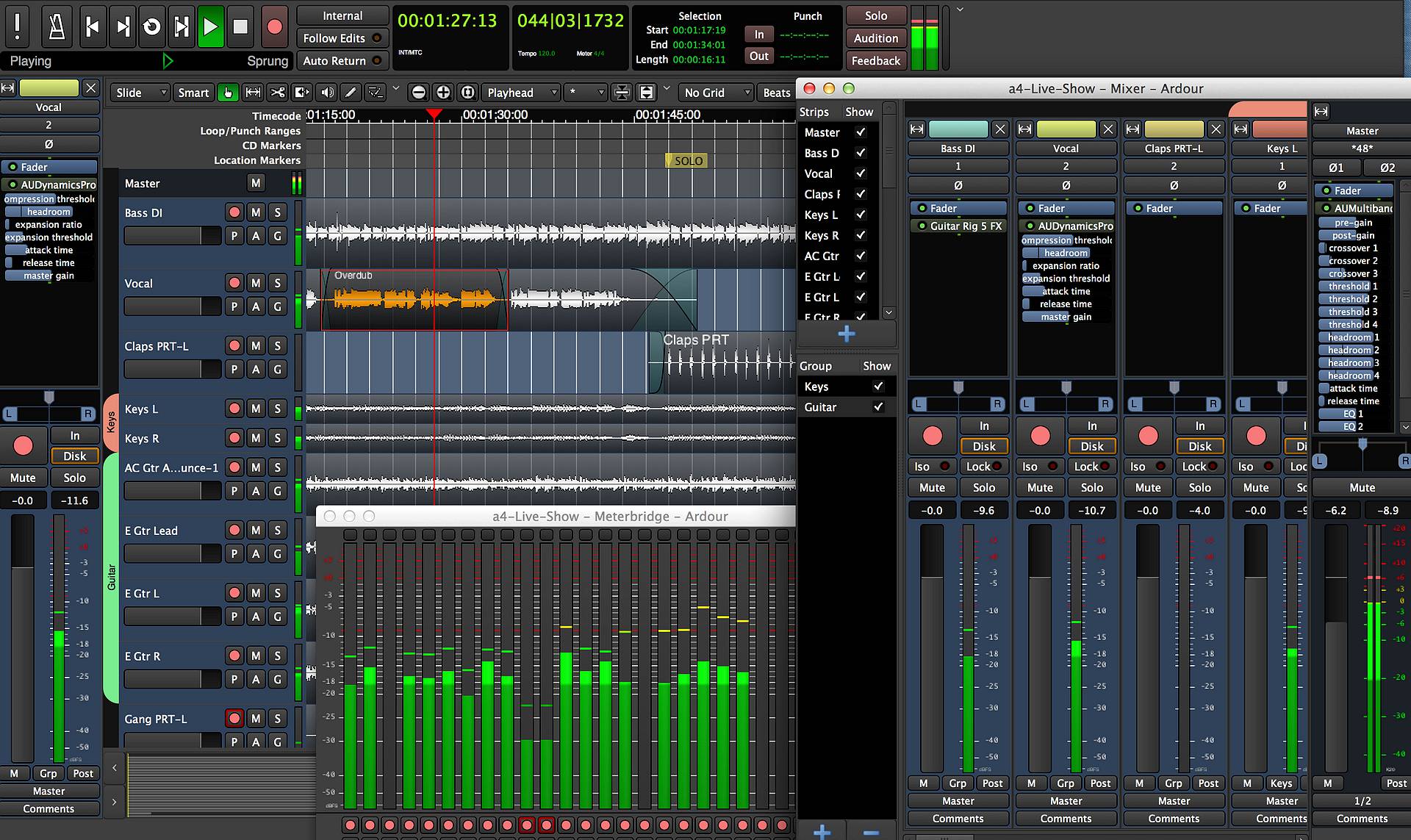
Ardour is an open-source DAW (but not free, you still have to pay for it) designed for musicians, sound engineers, and creators looking for a professional solution without commercial constraints. It’s available on Linux, macOS, and Windows, offering great flexibility for recording, editing, mixing, and even audio post-production.
What sets Ardour apart is its open philosophy and active community. It provides powerful tools for multitrack audio editing, automation management, MIDI integration, and compatibility with VST, LV2, and AU plugins. Its interface is minimalistic yet efficient, following a workflow that aligns with professional standards.
Ardour is especially popular on Linux, where it’s often considered one of the best available DAWs. It also supports synchronization with video software and audio-for-video systems, making it suitable for complex production projects.
Its main drawback is that it may require a bit more setup or technical knowledge, particularly on open-source systems. However, for those seeking a powerful, transparent, and scalable DAW, Ardour is an excellent alternative to commercial solutions.
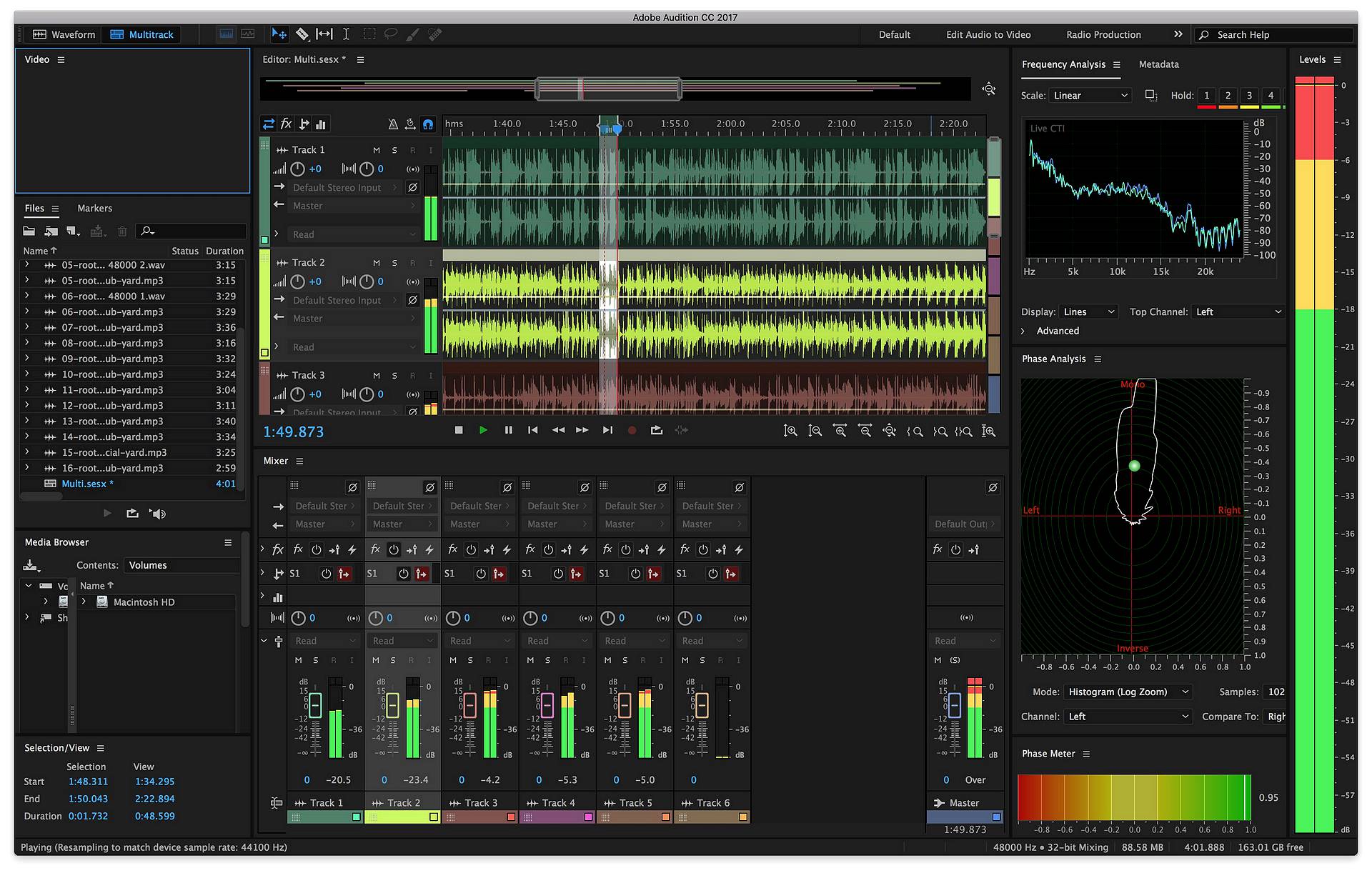
Adobe Audition is a professional audio editing software, primarily focused on sound processing, editing, and restoration. Unlike most DAWs designed for music composition, Audition is mainly used in post-production, podcasting, radio, dubbing, and video editing.
What sets it apart is the quality of its audio editing tools: noise reduction, damaged file restoration, precise equalization, multiband compression, and much more. It offers a multitrack view for mixing, as well as a highly detailed waveform view for working on individual audio files. The interface is clean, professional, and well integrated into the Adobe ecosystem, especially with Premiere Pro for video projects.
Audition does not include virtual instruments or a MIDI sequencer, which makes it less suitable for music composition. However, for sound processing, voice editing, and ambient mixing, it’s a very powerful tool.
Its main drawback is that it’s only available through a subscription (Adobe Creative Cloud), which can be a barrier for some users. But for audio and media professionals, Audition remains a solid and efficient reference.
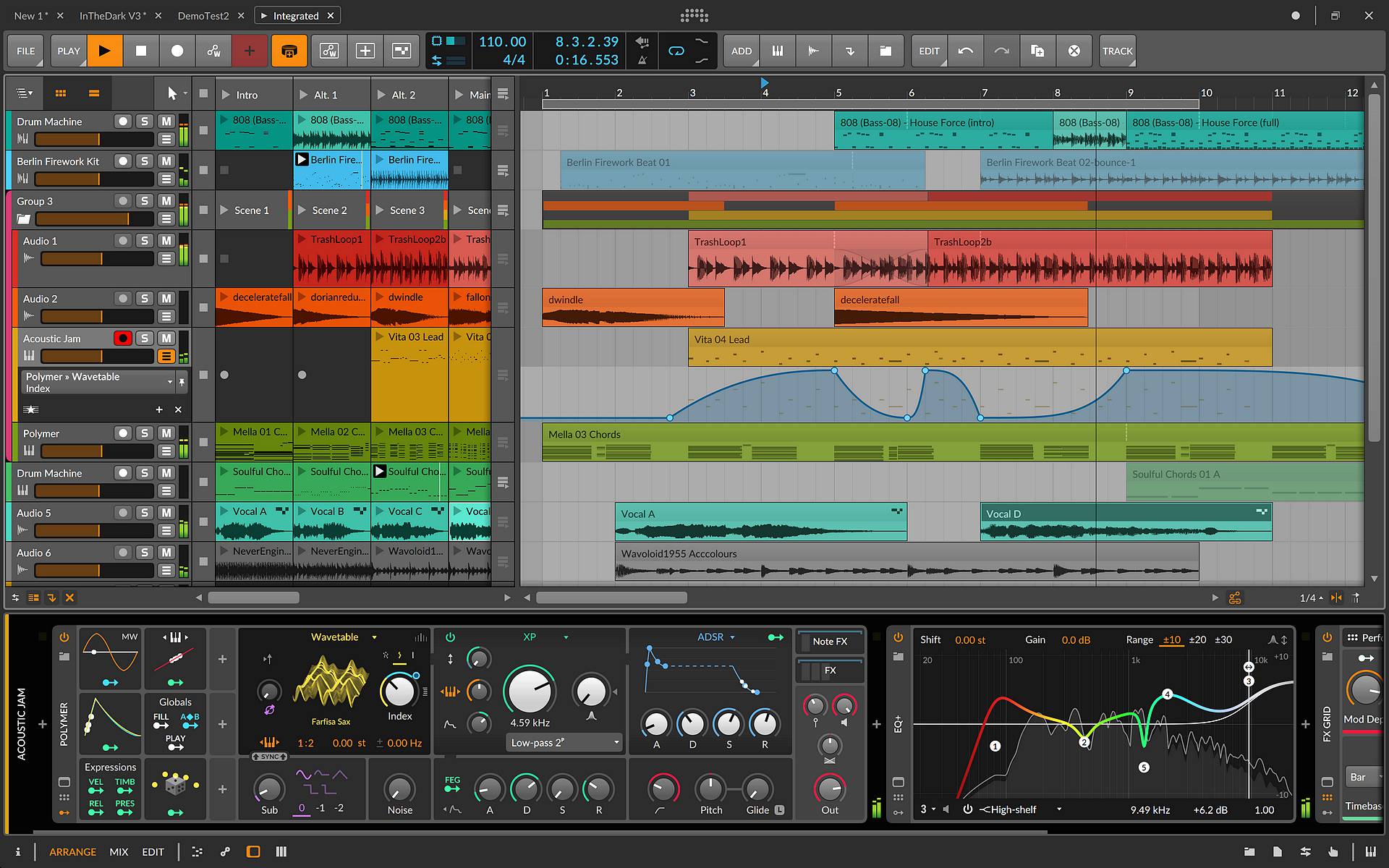
Bitwig Studio is a modern and innovative DAW, especially popular among electronic music producers and artists who love to experiment. It stands out for its smooth, modular interface designed for real-time creativity. Like Ableton Live, it features a "clip" view that lets you launch loops and musical ideas on the fly, making it an excellent tool for live performance.
What makes Bitwig unique is its built-in modulation system: you can easily modulate almost any parameter using LFOs, envelopes, or controllers, without needing external plugins. This opens up a vast range of creative possibilities. It’s also highly optimized for multitasking, with advanced CPU management and impressive stability.
Bitwig comes with a solid collection of instruments and effects, and it supports VST plugins. It also includes a development environment called "The Grid," which lets you visually build your own synths or effects, much like a virtual modular synthesizer.
Its main downside might be the learning curve, especially for those coming from more traditional DAWs. But for curious musicians and sound designers, Bitwig is a true creative toolbox.
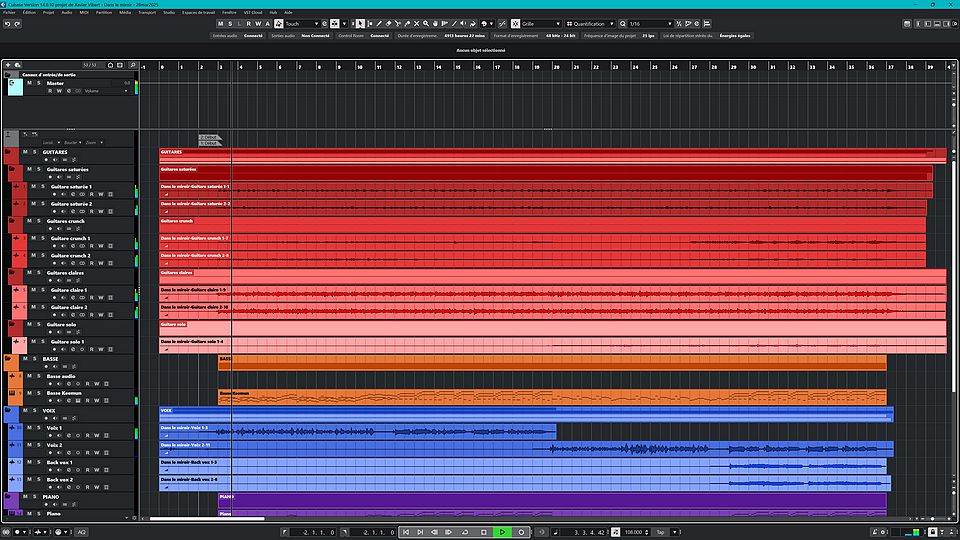
Cubase is one of the oldest and most comprehensive music production software on the market. Developed by Steinberg, it’s highly regarded for its stability and the quality of its MIDI and audio editing tools. It’s a very versatile DAW, used by classical composers as well as electronic and pop music producers.
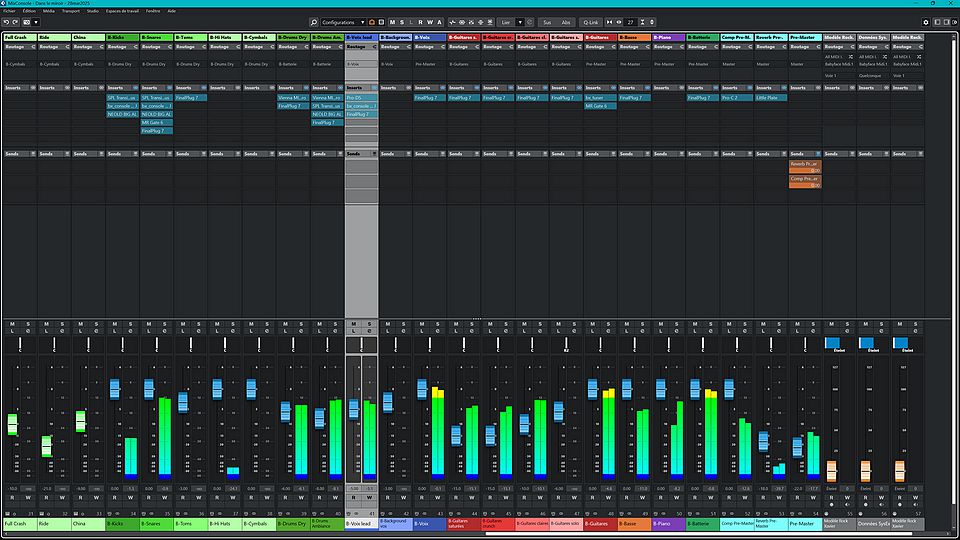
What sets Cubase apart is its highly professional environment, with a clear and well-organized interface, though it may feel a bit dense for beginners. It offers advanced features like "VariAudio" for precise vocal correction and editing, and "MixConsole," a powerful and flexible mixer.
Cubase is also known for its high-quality audio engine and its wide range of built-in instruments and effects. It integrates well with industry standards, such as the VST format (created by Steinberg), making it easy to expand with third-party plugins.
Its main drawback is its relatively high price and the time it takes to fully master. But for those seeking a reliable, feature-rich, and professional-grade tool, Cubase remains a solid choice.
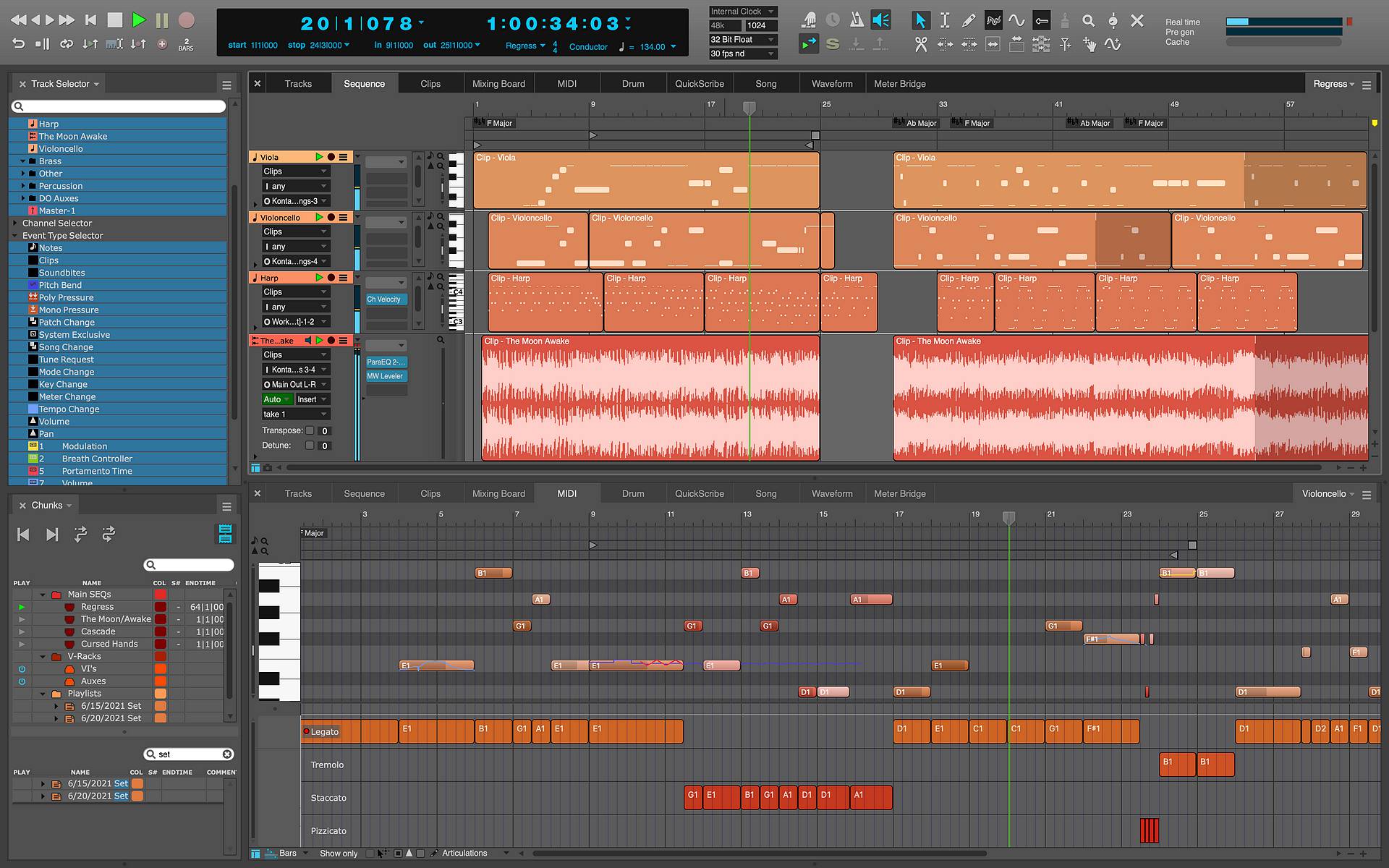
Digital Performer, developed by MOTU, is a DAW best known in professional circles, especially among composers for visual media and musicians working on complex projects. It offers high precision in MIDI and audio editing, along with advanced control over tempo, time signatures, and synchronization, making it particularly well-suited for film, TV, and video game music.
What sets Digital Performer apart is its ability to handle large-scale projects with great stability, and its interface, while dense, becomes logical and efficient once mastered. It also includes advanced tools for mixing and mastering, as well as a solid collection of virtual instruments and effects.
Digital Performer supports VST, AU, and MAS plugins, and runs on both macOS and Windows. It also features music notation capabilities, which can be useful for composers working with musicians or orchestras.
Its main drawback is that it can feel a bit complex for beginners, and it’s less widely used than other DAWs like Logic or Ableton, which can make learning resources harder to find. However, for professionals seeking a robust and comprehensive tool, Digital Performer is a highly reliable solution.
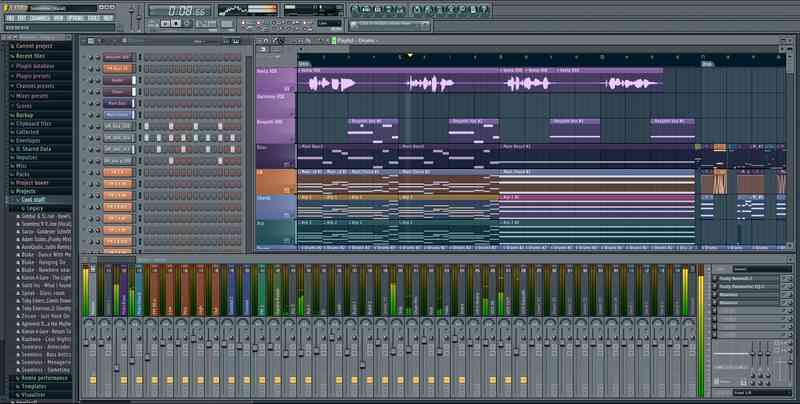
FL Studio, developed by Image-Line, is a highly popular DAW, especially among producers of electronic music, hip-hop, and trap. What makes it so well-loved is its colorful, intuitive interface designed for fast and creative music-making. Composing is easy thanks to its step sequencer and its "Piano Roll," widely considered one of the best for MIDI editing.
FL Studio comes with a large collection of virtual instruments, effects, and plugins—some of which have become industry standards. It’s also very flexible: you can create loops, structure full tracks, mix, and master—all within a single, fluid environment.
Another major advantage is its licensing model: once purchased, all future updates are free for life, which is rare in the DAW world. It runs on both Windows and macOS, and integrates well with VST plugins.
On the downside, some users find the mixer less intuitive than in other DAWs, and the pattern-based workflow can be confusing at first. But once you get the hang of it, FL Studio becomes a powerful tool for quickly creating music with plenty of freedom and creativity.
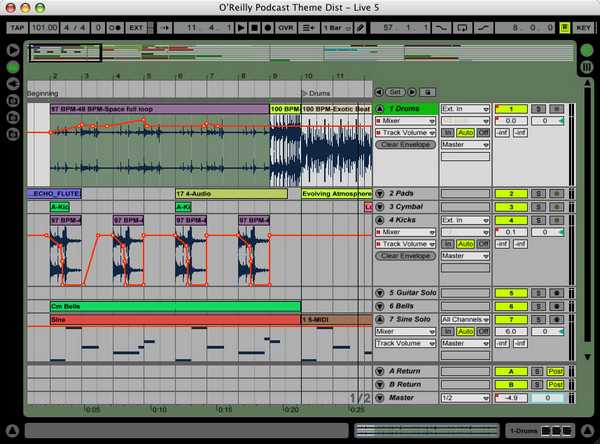
Ableton Live is a very popular DAW, especially in the world of electronic music, live performance, and beatmaking. What makes it unique is its interface, designed for both studio composition and on-stage performance. It offers two main views: the "Arrangement" view, for traditional linear editing, and the "Session" view, which lets you launch loops and clips in real time, perfect for improvisation and live shows.
Live is known for its ease of use and smooth workflow. It allows you to quickly create musical ideas, test them, tweak them, and structure them without wasting time. It comes with a great collection of instruments, effects, and sounds, and supports VST/AU plugins.
Another strong point is Max for Live, an integrated platform that lets users create their own instruments, effects, or control tools, unlocking nearly endless possibilities for advanced users.
On the downside, some users feel that MIDI and audio editing aren’t as advanced as in more studio-focused DAWs like Cubase or Logic. But for those who love to experiment, produce quickly, or perform live, Ableton Live is a powerful and creative choice.
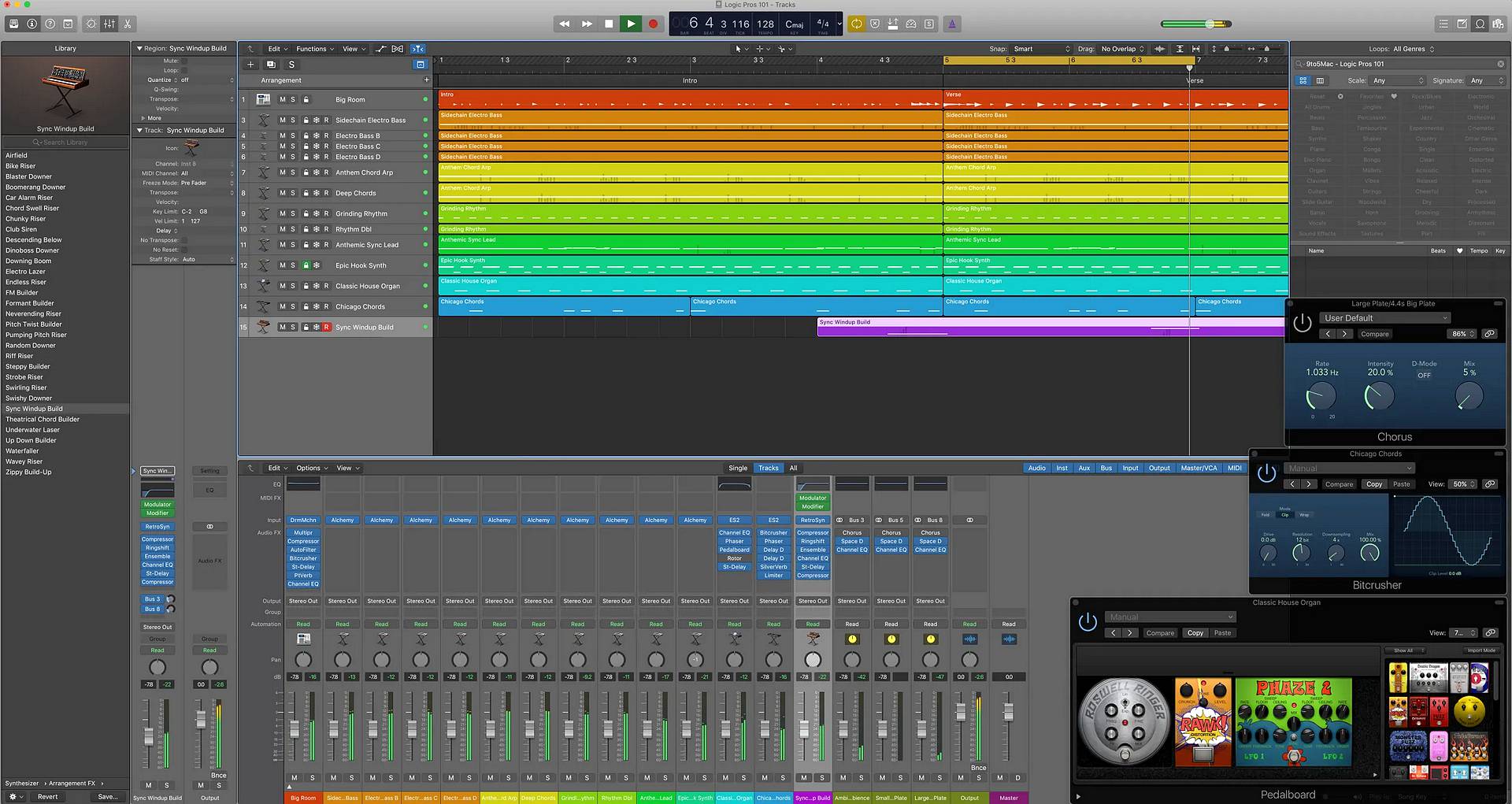
Logic Pro, developed by Apple, is a very popular DAW, especially among Mac users. It’s often considered one of the best value-for-money options on the market, offering a massive amount of content for a one-time purchase, with no subscription required. It’s a comprehensive tool, suitable for both beginners and professionals.
What makes it particularly attractive is its extensive sound library, featuring high-quality virtual instruments, a wide range of effects, and powerful tools for composition, recording, and mixing. The interface is sleek, responsive, and seamlessly integrated into the Apple ecosystem, making the user experience very enjoyable.
Logic Pro also excels in MIDI and audio editing, with features like Flex Time and Flex Pitch, which make it easy to correct timing and pitch in recordings. It’s also widely used for scoring to picture, thanks to its robust video synchronization tools.
Its main drawback is that it’s only available on Mac.
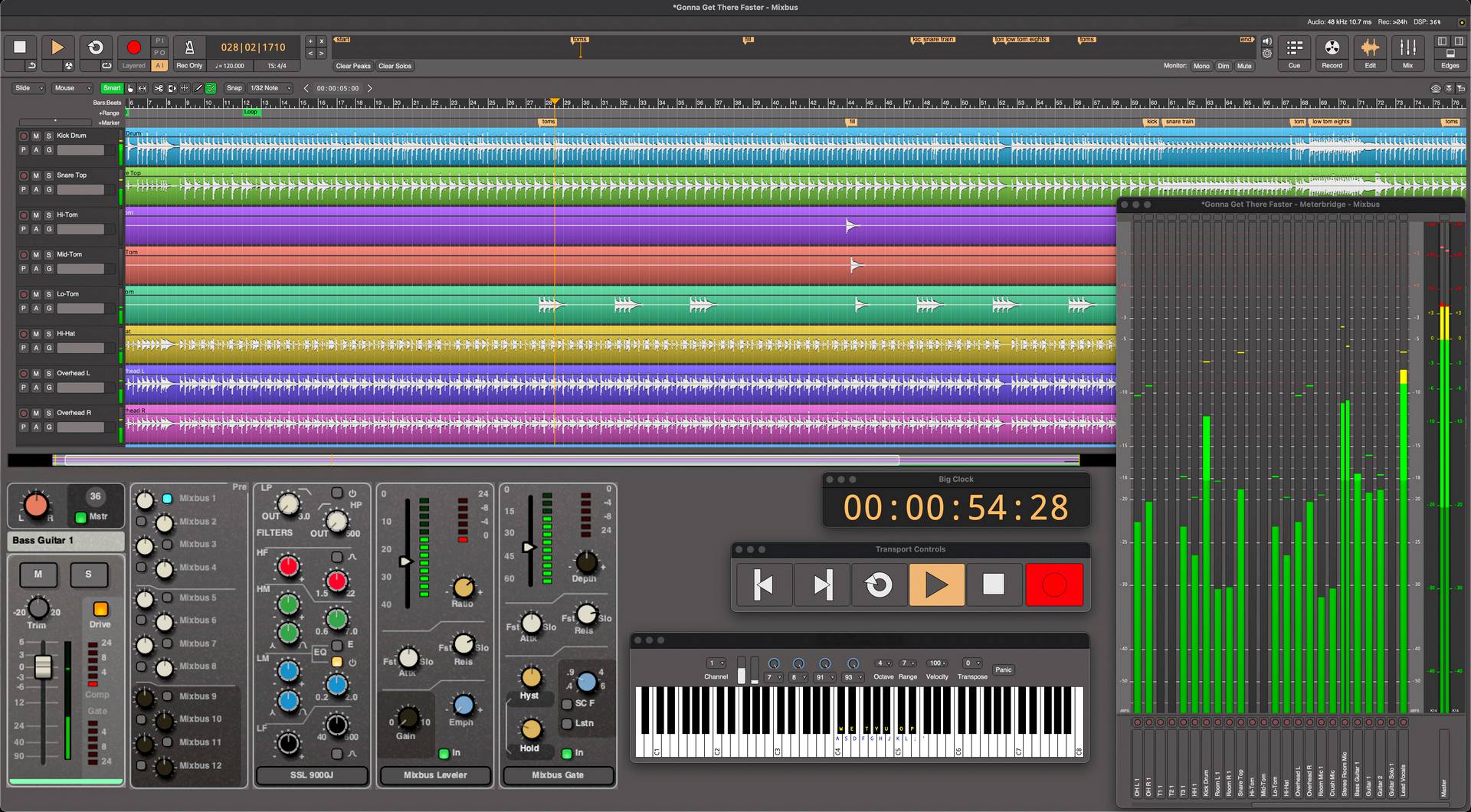
Mixbus, developed by Harrison Consoles, is a DAW that stands out for its strong focus on analog-style mixing. It replicates the workflow of a traditional studio console, with preconfigured channels, built-in EQs, compressors, and mix buses, giving the mixing process a very "hands-on" feel, even in a digital environment.
What makes Mixbus unique is its audio engine, designed to emulate the warm, colorful sound of Harrison consoles used in many professional studios. From the moment you open a project, you’re presented with a ready-to-use mixing structure, allowing you to focus on sound rather than technical setup.
Mixbus is based on Ardour, an open-source software, which makes it compatible with Linux as well as Windows and macOS. It supports VST, AU, and LV2 plugins, and offers full audio and MIDI editing, though its true strength lies in mixing.
Its main drawback is that the interface may feel a bit dense or unfamiliar to users coming from more conventional DAWs. But for sound engineers or musicians seeking a more "console-like" mixing experience, Mixbus delivers a distinctive and professional sound workflow.
Mixcraft, developed by Acoustica, is a DAW designed to be simple, accessible, and quick to learn, making it an excellent choice for beginners or musicians who want to produce without getting lost in complex menus. Its interface is clear and resembles that of a video editing program, which makes track navigation and organization easy.
What makes it enjoyable to use is its smooth performance and intuitive logic: recording, editing, adding effects, and mixing can all be done effortlessly. It comes with a solid library of sounds, loops, and virtual instruments, and it supports VST plugins, allowing users to expand its capabilities.
Mixcraft also offers useful features like automation, MIDI editing, time-stretching, and even basic video editing tools, something quite rare in a DAW. This makes it especially suitable for content creators who want to manage both audio and video in a single software.
Its main drawback is that it’s only available on Windows, and it may lack some of the advanced features found in more professional DAWs. But for personal, creative, and fast production, Mixcraft is a very effective and enjoyable solution.
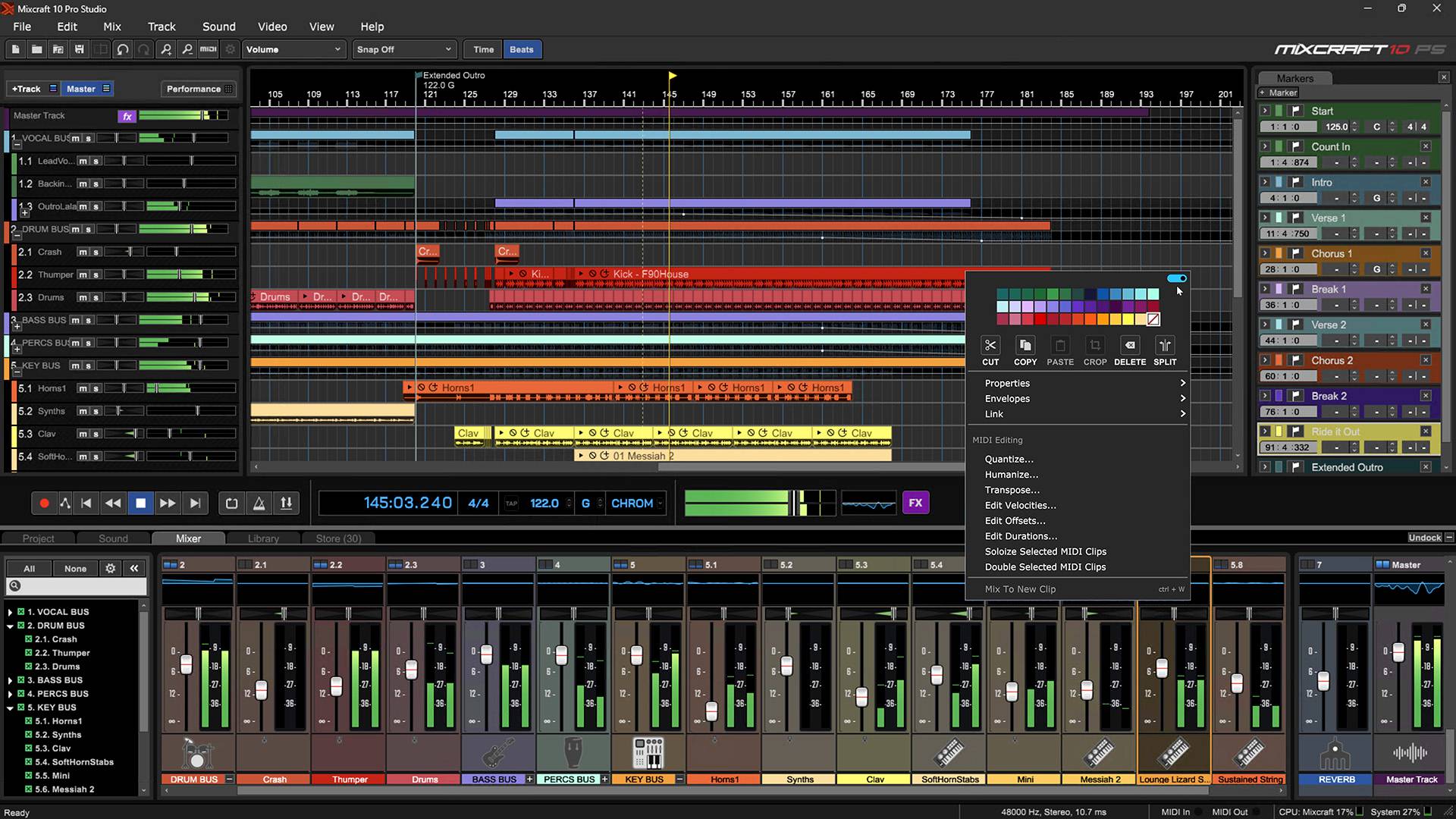
Nuendo, developed by Steinberg, is a high-end DAW primarily aimed at audio-for-video professionals, post-production specialists, and sound designers. While it shares a technical foundation with Cubase, Nuendo goes much further by integrating specialized tools for audio-video editing, surround mixing, dubbing, and managing complex projects.
What makes Nuendo unique is its ability to handle professional audio and video formats, with features like dialogue editing, automatic reconforming, and compatibility with industry standards in film and television. It’s also widely used in game audio design, thanks to its integration with engines like Wwise.
The interface is very comprehensive, though it may feel dense to users unfamiliar with post-production workflows. Nuendo also offers advanced tools for immersive mixing (such as Dolby Atmos), making it a powerful solution for multichannel environments.
Its main drawback is its relatively high price and its clear focus on professional users. For musicians or traditional music producers, Cubase may be sufficient. But for sound engineers and studios working on complex audiovisual projects, Nuendo is a top-tier, industry-standard solution.
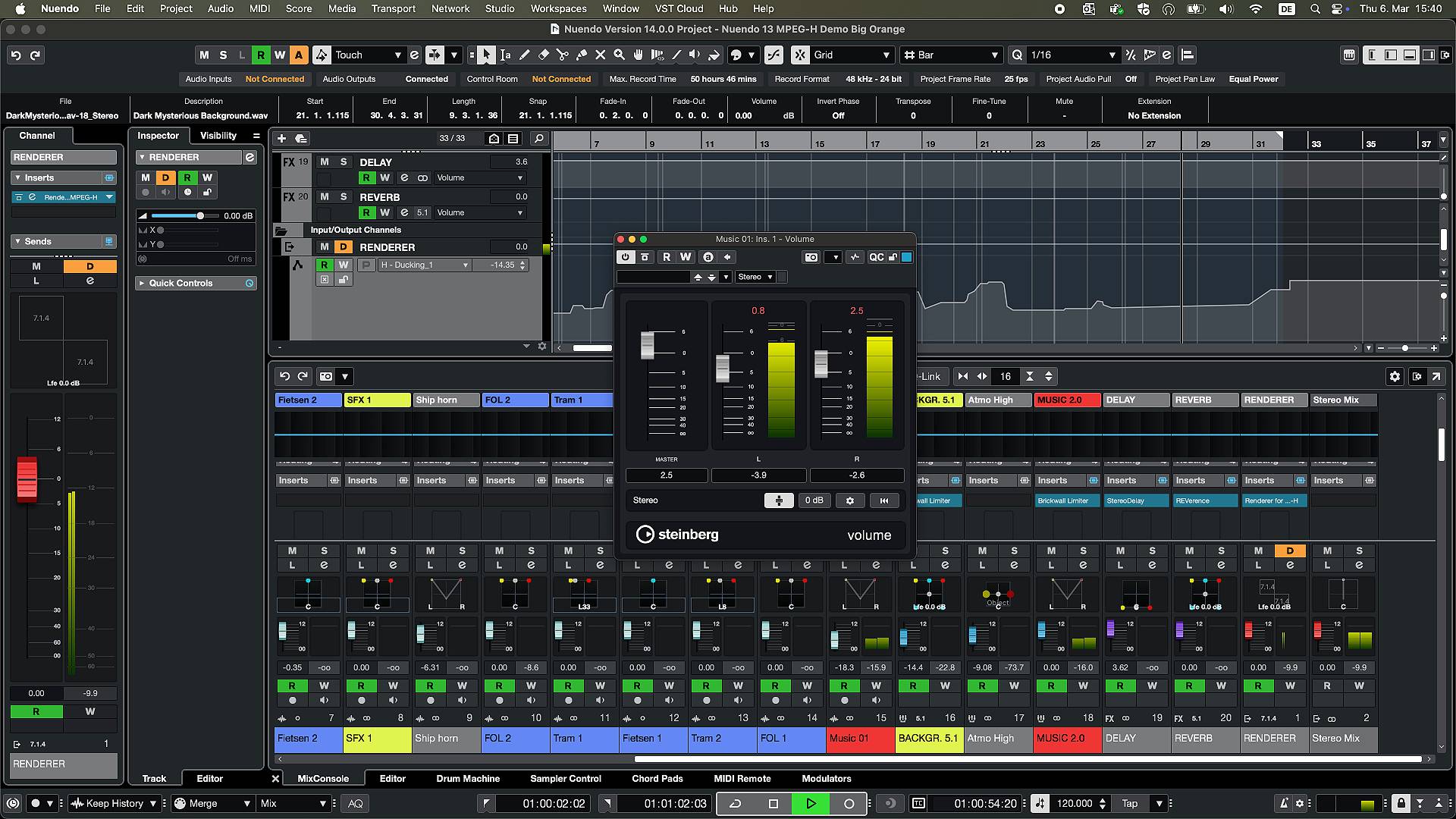
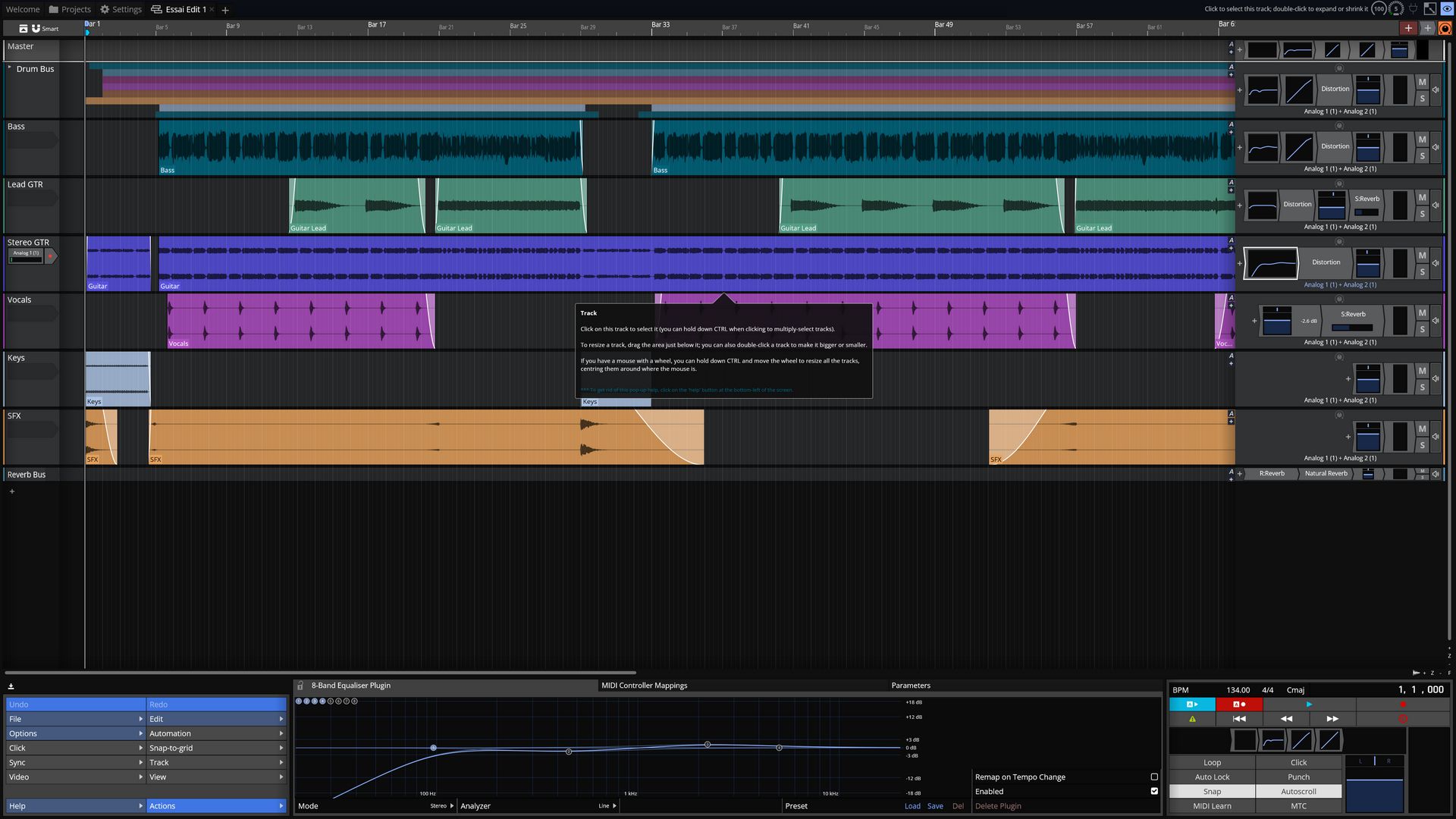
Podium, developed by Zynewave, is a lesser-known but well-designed DAW that stands out for its lightweight performance, clarity, and efficiency. It’s available only on Windows and offers a free version (Podium Free), making it accessible to anyone who wants to start producing music without an upfront investment.
What sets Podium apart is its elegant and customizable interface, with a clean and logical workflow. It supports recording, MIDI and audio editing, mixing, and automation, all while remaining smooth even on modest machines. It supports VST plugins and delivers solid sound quality.
Podium is especially appreciated for its stability and speed. While it doesn’t offer as many built-in instruments or effects as more mainstream DAWs, it allows users to build a personalized working environment, ideal for those who like to stay in control.
Its main drawback is its limited popularity, which means fewer learning resources (tutorials, forums, etc.) are available. But for users seeking a simple, efficient, and customizable DAW, Podium is a very solid option.
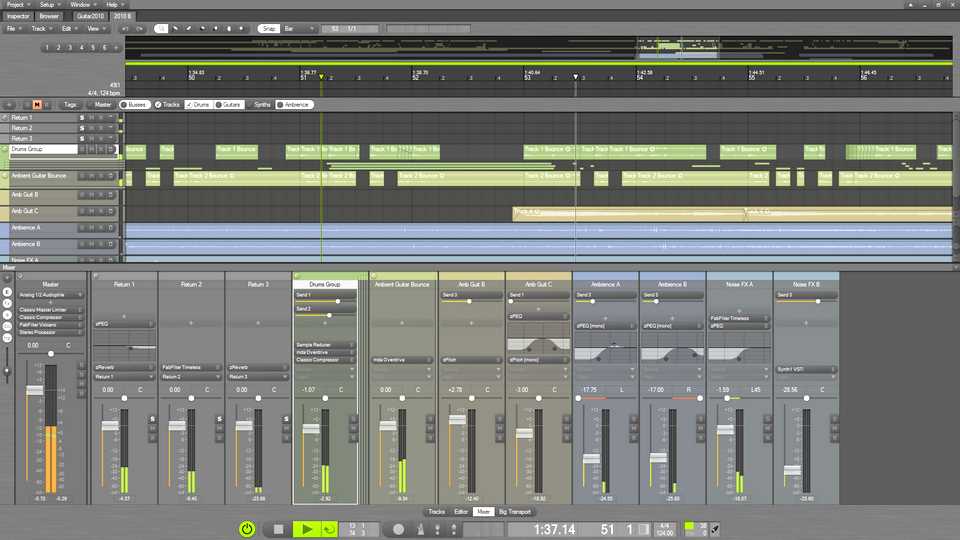
Pro Tools, developed by Avid, is widely considered the industry standard in professional studios, especially for recording, mixing, and mastering. It’s highly valued in audio-for-video, post-production, and studio music environments.
What sets Pro Tools apart is its precision and stability when handling complex audio projects. It manages sessions with numerous tracks, effects, and automation with ease, and its audio engine delivers impeccable quality. Audio editing is highly advanced, with tools like Elastic Audio that allow for timing and pitch adjustments without compromising sound quality.
The interface is clean and efficient, though it may feel rigid or austere to users coming from more creative DAWs like Ableton Live or FL Studio. Pro Tools is also known for its strict file management system, which is a plus in professional settings but can be confusing for beginners.
One thing to note: some advanced features are only available in paid versions, and the Avid ecosystem can feel somewhat closed, especially when it comes to certified audio interfaces. But for sound engineers and studios working on demanding projects, Pro Tools remains a trusted and essential reference.
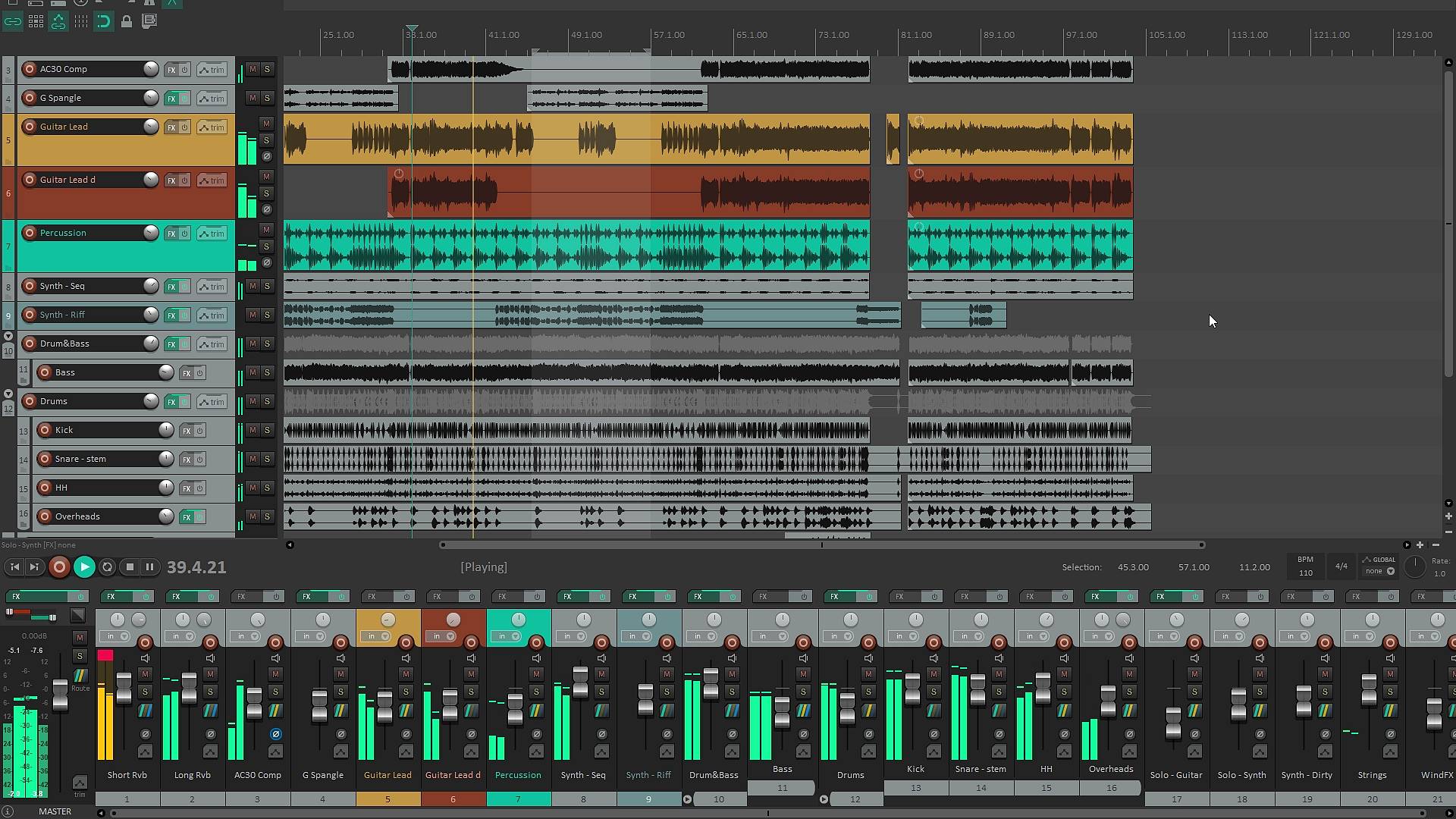
Reaper is a highly regarded DAW known for its lightweight design, flexibility, and excellent value for money. Developed by Cockos, it’s often recommended to users looking for a powerful software solution without breaking the bank. Unlike some competitors, Reaper doesn’t come with built-in virtual instruments, but it more than makes up for it with its ability to adapt to almost any workflow.
What makes it unique is its deep customization: you can modify the interface, create your own shortcuts and scripts, and even automate complex tasks. It’s also extremely stable and runs smoothly even on modest machines. Its audio engine is highly efficient, and it handles VST plugins, multitrack recording, and heavy projects with ease.
Reaper is available on Windows, macOS, and even Linux, making it accessible to a wide range of users. It receives regular updates and has an active community that shares extensions and tips.
Its main drawback, for some, is that it can feel a bit “bare” at first, since it doesn’t include a sound library or virtual instruments. But for those who enjoy building a custom production environment, that’s actually a major advantage.
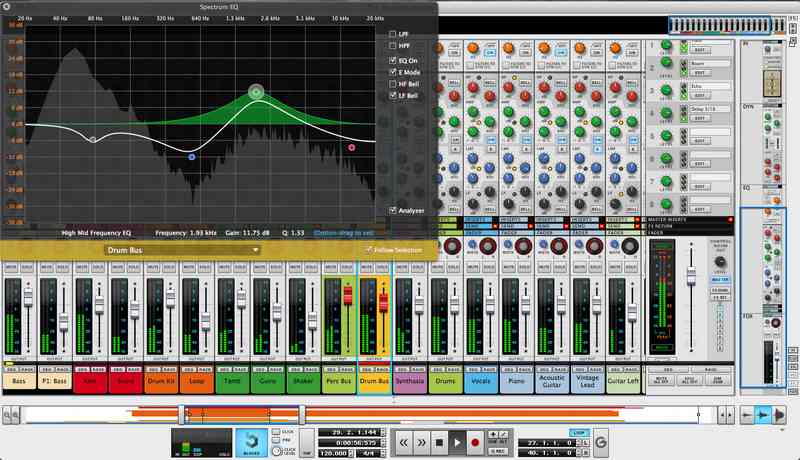
Reason, developed by Reason Studios (formerly Propellerhead), is a DAW that stands out for its original and visual approach to music production. It recreates the feel of a physical studio, with virtual racks where you can stack instruments and effects, and manually route cables, just like in a real analog setup. This unique interface appeals to musicians who enjoy experimenting and understanding audio signal flow in detail.
Reason is particularly rich in virtual instruments and effects, offering a wide variety of synthesizers, samplers, and sound processing modules. It’s highly praised for the sound quality of its native tools and its flexibility. In recent versions, Reason can also be used as a plugin within other DAWs, allowing users to access its instruments and effects in a different production environment.
MIDI and audio editing are effective, though they may feel slightly less direct compared to more traditional DAWs. The interface can be a bit confusing at first, especially with the manual cabling system, but becomes very intuitive once you get used to it.
Reason is an excellent choice for producers who enjoy visual and modular creation, with a high degree of sonic freedom. It’s less focused on traditional multitrack recording, but it truly shines in music creation and sound design.
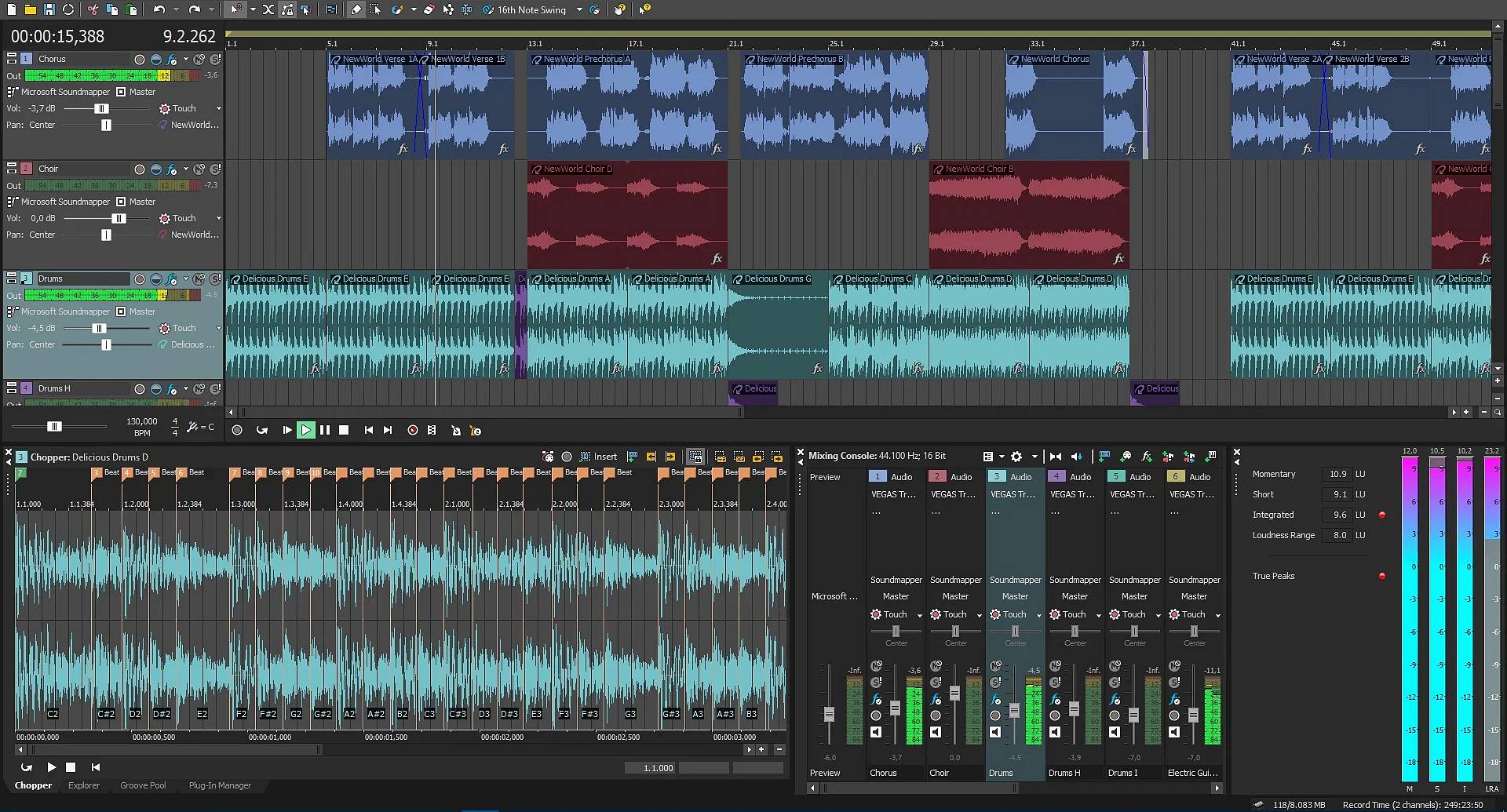
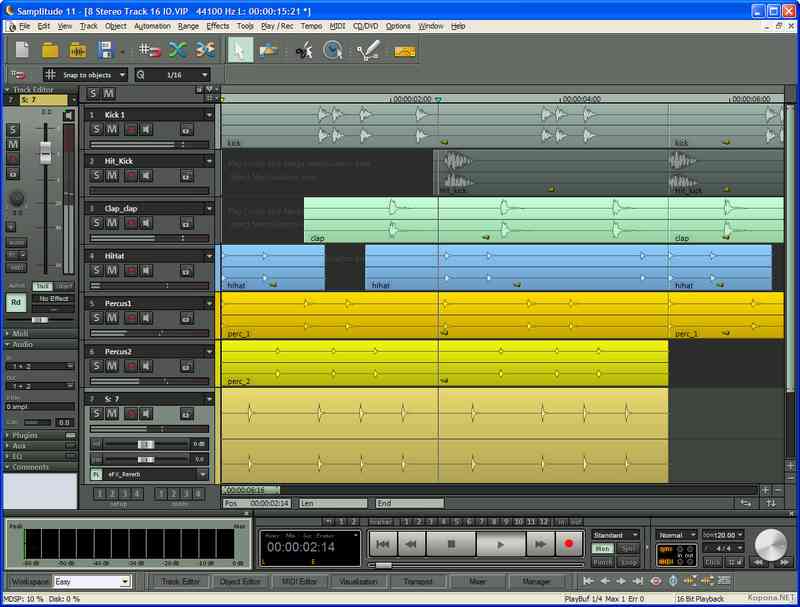
Samplitude, developed by Magix, is a DAW that may be less known to the general public but is highly respected in the professional audio world, especially for mixing and mastering. It stands out for the precision of its audio engine and the quality of its editing tools, allowing for detailed work on waveforms, effects, and automation.
This software is particularly appreciated for its advanced handling of audio objects: each segment can have its own effects, settings, and automation, offering great flexibility in mixing. It also includes mastering tools directly within the project, eliminating the need to switch to another software to finalize a track.
Samplitude comes with a solid collection of effects and virtual instruments, and it supports VST plugins. The interface may appear a bit busy or technical at first, but it’s very comprehensive once mastered.
Its main drawback is perhaps its ergonomics, which can feel a bit dated or complex for new users. But for those seeking a highly precise DAW, especially for pure audio work, Samplitude is a powerful and reliable solution.
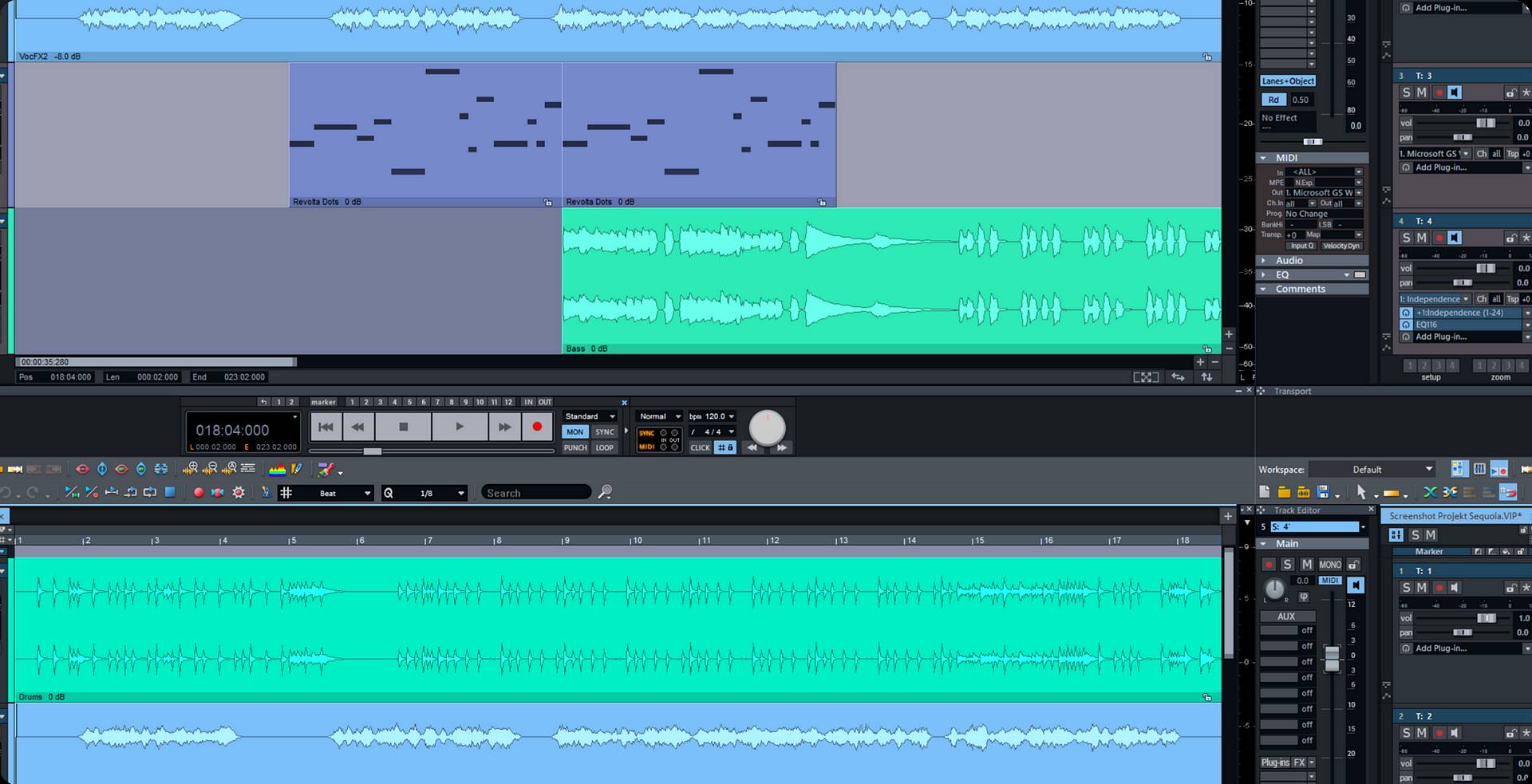
Sequoia is a high-end digital audio workstation (DAW) developed by Magix, primarily designed for audio professionals working in post-production, mastering, and broadcasting. Renowned for its exceptional precision and advanced toolset, Sequoia has become a benchmark in demanding environments such as mastering studios and television networks.
One of Sequoia’s standout features is its sophisticated handling of audio formats and full compatibility with broadcast standards. Its transparent audio engine ensures pristine sound quality, while non-destructive editing, detailed automation, and seamless integration with broadcast systems make it a powerful tool for complex audio projects. Professionals particularly appreciate its stability and ability to manage large-scale sessions without compromising performance.
However, Sequoia is not without its drawbacks. While its interface is functional, it can appear stark and unintuitive to users familiar with more mainstream DAWs like Ableton Live or Logic Pro. Additionally, its high price point positions it firmly within the professional market, making it less accessible to hobbyists or smaller studios. Despite its power, Sequoia is more tailored to audio processing and finalization than to music creation, which may limit its appeal to composers or producers seeking creative tools.
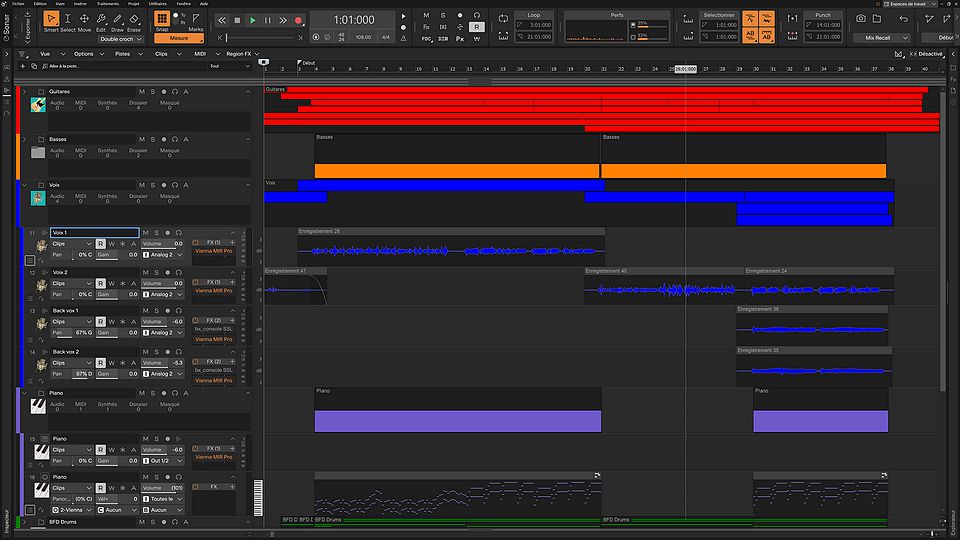
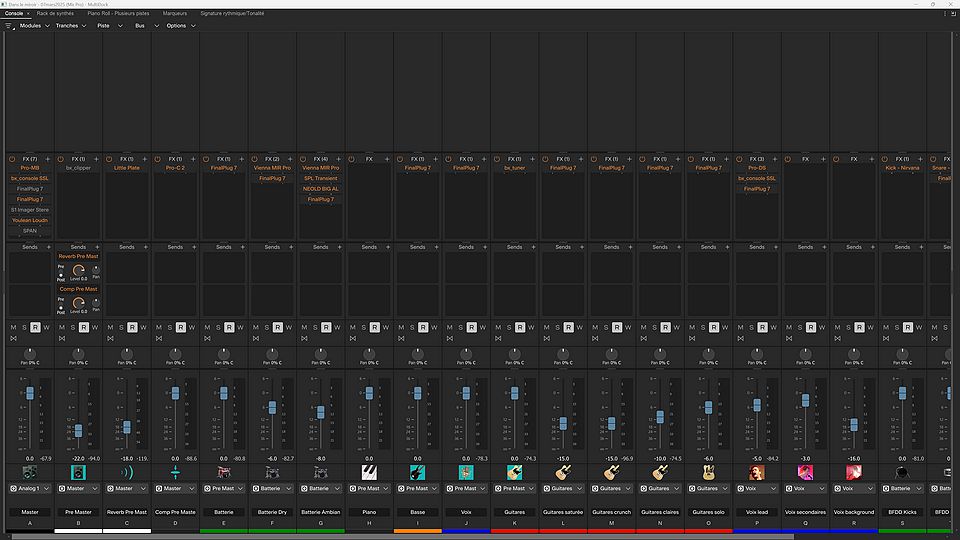
Sonar, developed by Cakewalk, is a DAW that has long been popular, especially among Windows users. It stands out for its intuitive interface and its all-in-one approach, allowing users to compose, record, edit, mix, and master without needing additional software.
What makes Sonar appealing is its rich feature set, even in its free version (Sonar Free Tier). It offers powerful MIDI editing tools, a high-performance audio engine, and a solid collection of effects and virtual instruments. Its integration with VST standards and automation capabilities make it a very complete tool for music production.
Another strong point is its flexibility: it suits both musicians recording acoustic instruments and electronic producers. The interface is customizable, allowing each user to tailor it to their own workflow.
Its main drawback is that it’s only available on Windows.
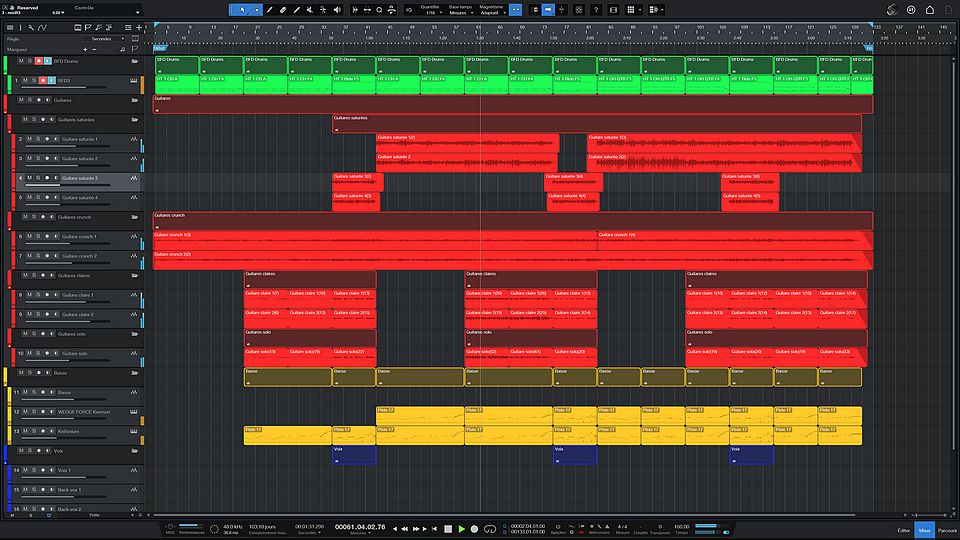
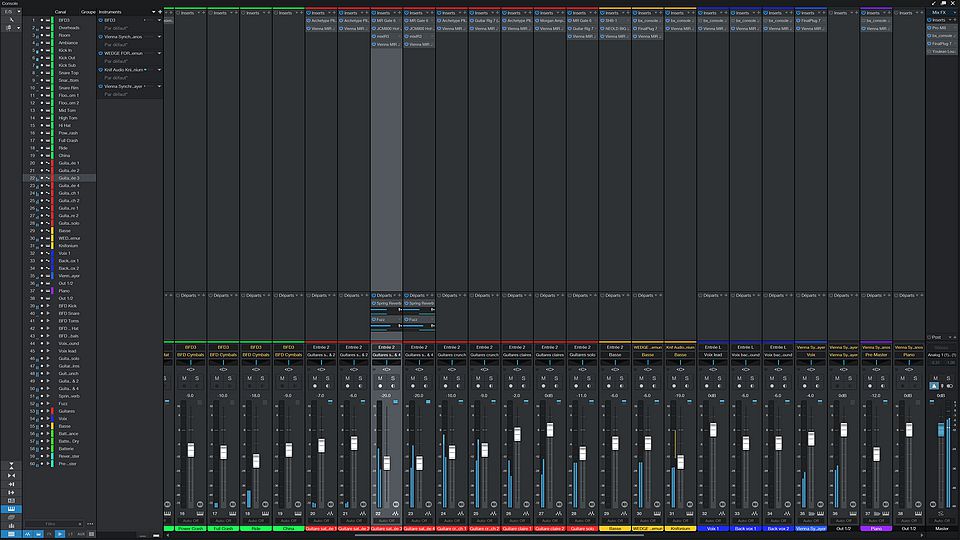
Studio One, developed by PreSonus, is a modern DAW that quickly gained popularity thanks to its intuitive interface and smooth workflow. It’s designed to streamline every stage of music production, from composition to mastering, with a drag-and-drop approach that makes it very user-friendly, even for beginners.
What sets it apart is its ability to bring all tools together in a single window, without the need to switch between multiple screens or menus. MIDI and audio editing are highly efficient, with features like the "Scratch Pad" for testing ideas without affecting the main project, and harmonic editing tools that make working with chords and keys easy.
Studio One also includes a solid collection of instruments and effects, and it supports VST plugins. It features built-in mastering tools, so you don’t need a separate program to finalize your track.
Its main drawback might be that it’s less common in large studios, so tutorials and learning resources may be less abundant compared to DAWs like Pro Tools or Logic. But for musicians, producers, and sound engineers looking for a modern, fast, and comprehensive tool, Studio One is an excellent option.
Waveform, developed by Tracktion, is a modern DAW focused on flexibility, accessibility, and innovation. It stands out with its all-in-one, streamlined interface that brings together all the tools needed for music creation in a single window. This allows for fast, efficient work without getting lost in complex menus.
Waveform is compatible with Windows, macOS, and Linux, and offers a fairly complete free version (Waveform Free), making it accessible to everyone, from beginners to experienced producers. It supports VST, AU, and even native Linux plugin formats, and provides effective tools for MIDI editing, multitrack recording, mixing, and automation.
This DAW is especially appreciated for its creativity-oriented approach: it includes features like audio/MIDI clips, modular racks, and assisted composition tools. Depending on the version, it also comes with built-in virtual instruments and effects.
Its main drawback is that it’s still relatively unknown, so resources like tutorials and community support are less abundant compared to the bigger names in the industry. However, for those looking for a modern, fast, and customizable DAW, Waveform is an excellent alternative.
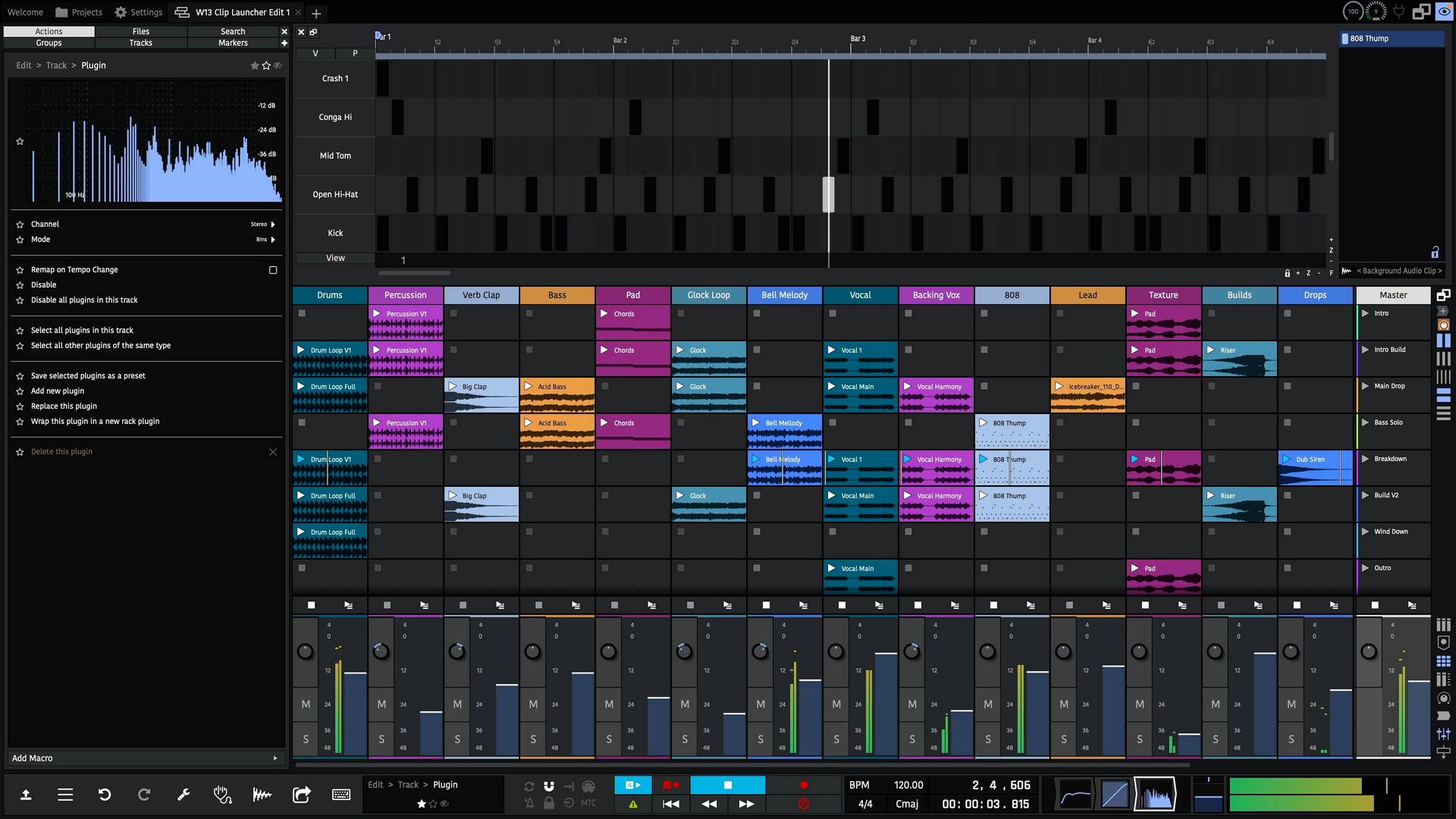
Audacity is a free and open-source audio editing software, widely popular for its simplicity and efficiency. Unlike traditional DAWs focused on music composition, Audacity is mainly used for recording, editing, and processing audio files. It’s ideal for podcasters, content creators, musicians editing takes, or anyone who wants to work with sound without diving into full-scale music production.
Its interface is clean and easy to use, even for beginners. You can record directly, cut, copy, paste, apply effects (such as noise reduction, EQ, or compression), and export in various audio formats. It supports VST and LADSPA plugins, allowing for additional effects.
Audacity is available on Windows, macOS, and Linux, making it highly accessible. Its main limitation is that it doesn’t support MIDI and isn’t designed for advanced multitrack composition or mixing. But for pure audio editing, it’s a simple, fast, and highly effective tool.
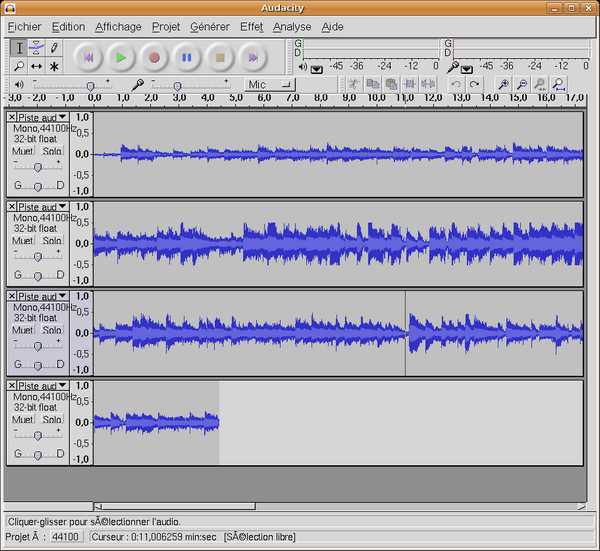
GarageBand, developed by Apple, is a free and highly accessible DAW designed for macOS and iOS users. It’s often considered an ideal entry point into the world of music production, thanks to its intuitive interface and many simplified features.
What makes GarageBand especially appealing is its ease of use: you can quickly record, compose, mix, and export a track without needing advanced technical knowledge. It offers a great collection of virtual instruments, loops, sounds, and effects, with tools like "Drummer" that automatically generate realistic rhythms based on the selected style.
GarageBand is also well-suited for recording vocals or acoustic instruments, with audio processing presets that deliver a professional sound effortlessly. It supports MIDI, parameter automation, and even allows users to create music directly from an iPhone or iPad.
Its main limitation is that it’s more restricted compared to advanced DAWs like Logic Pro or Ableton Live, especially in terms of mixing, routing, or customization. But for beginners, hobbyists, or anyone looking to create music quickly and easily, GarageBand is a simple, effective, and inspiring solution.
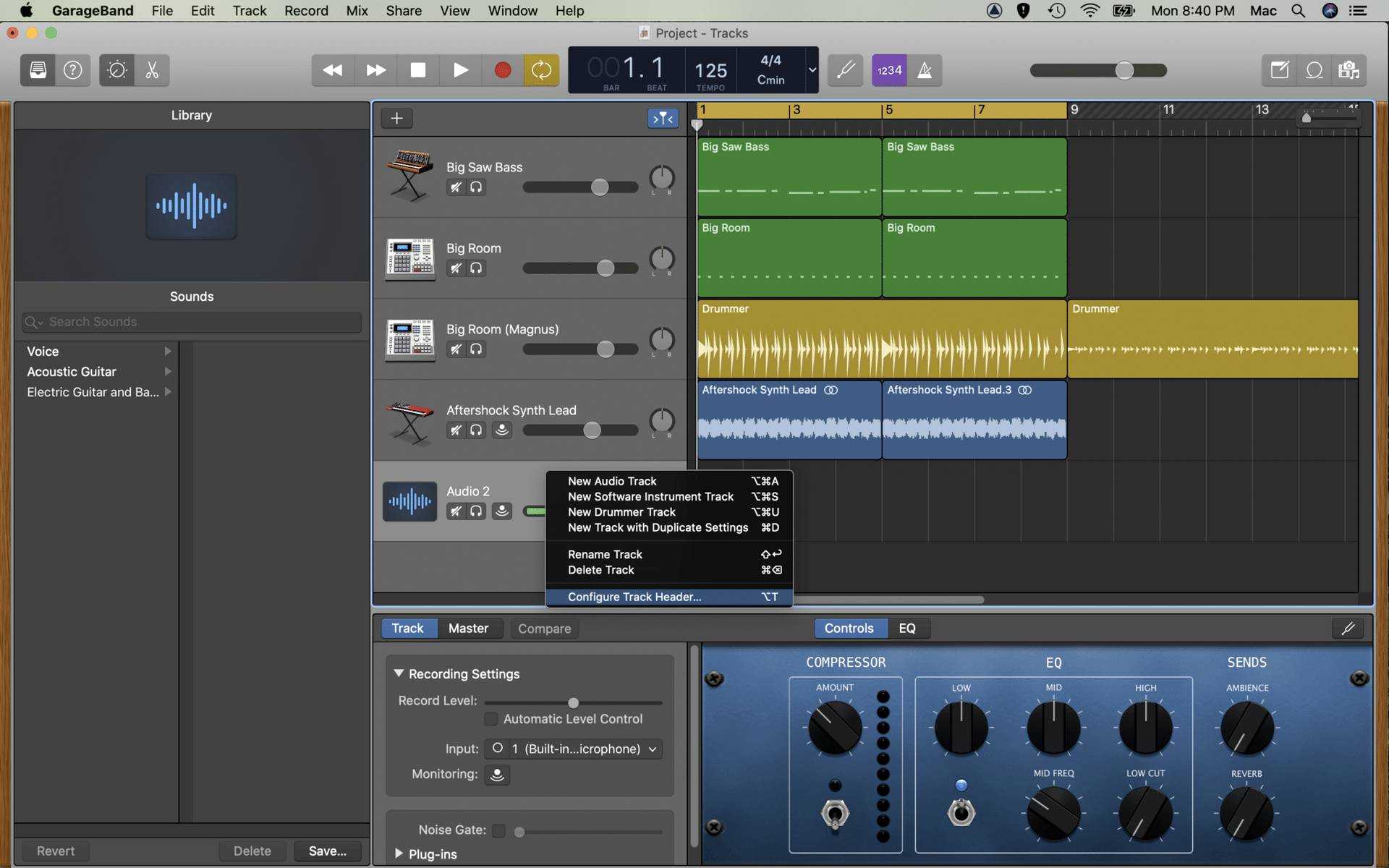
Luna is a free DAW developed by Universal Audio. Relatively new, it stands out for its tight integration with UAD audio interfaces and plugins. It was designed to offer an experience close to that of an analog studio, with a strong focus on sound quality and realistic mixing.
What makes Luna unique is its real-time audio engine, optimized to work with Apollo interfaces. It offers a very natural workflow for managing tracks, automation, and effects, with extremely low latency. The interface is elegant, smooth, and designed for musicians who want to focus on music without getting lost in technical settings.
Luna also includes extensions like virtual tape machines and classic mixing consoles, which add a rich analog character that’s highly valued in professional productions. It’s particularly well-suited for recording, mixing, and producing acoustic or vocal music.
Its main drawback is that it works best with Universal Audio hardware, which may limit accessibility for some users.
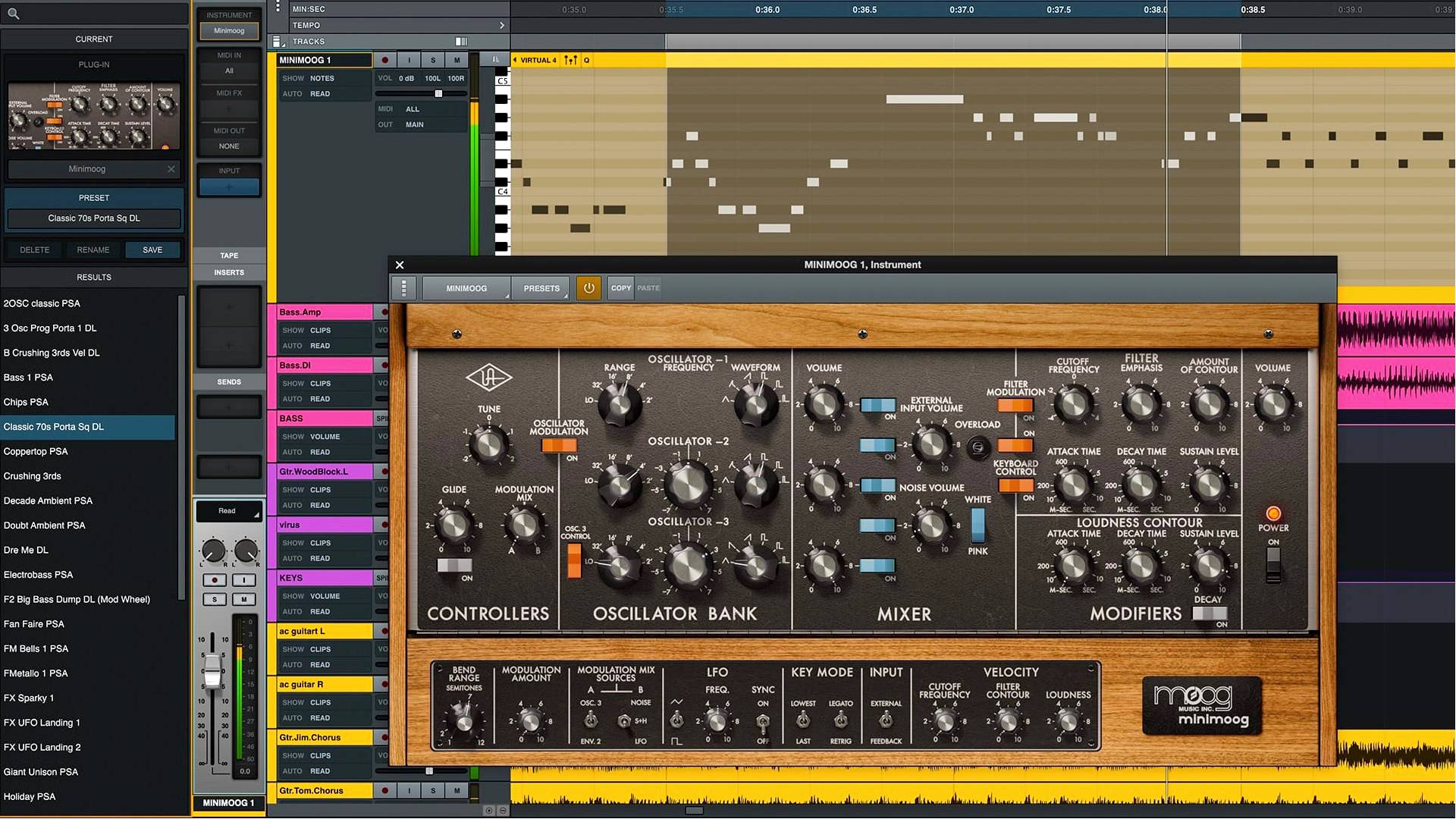
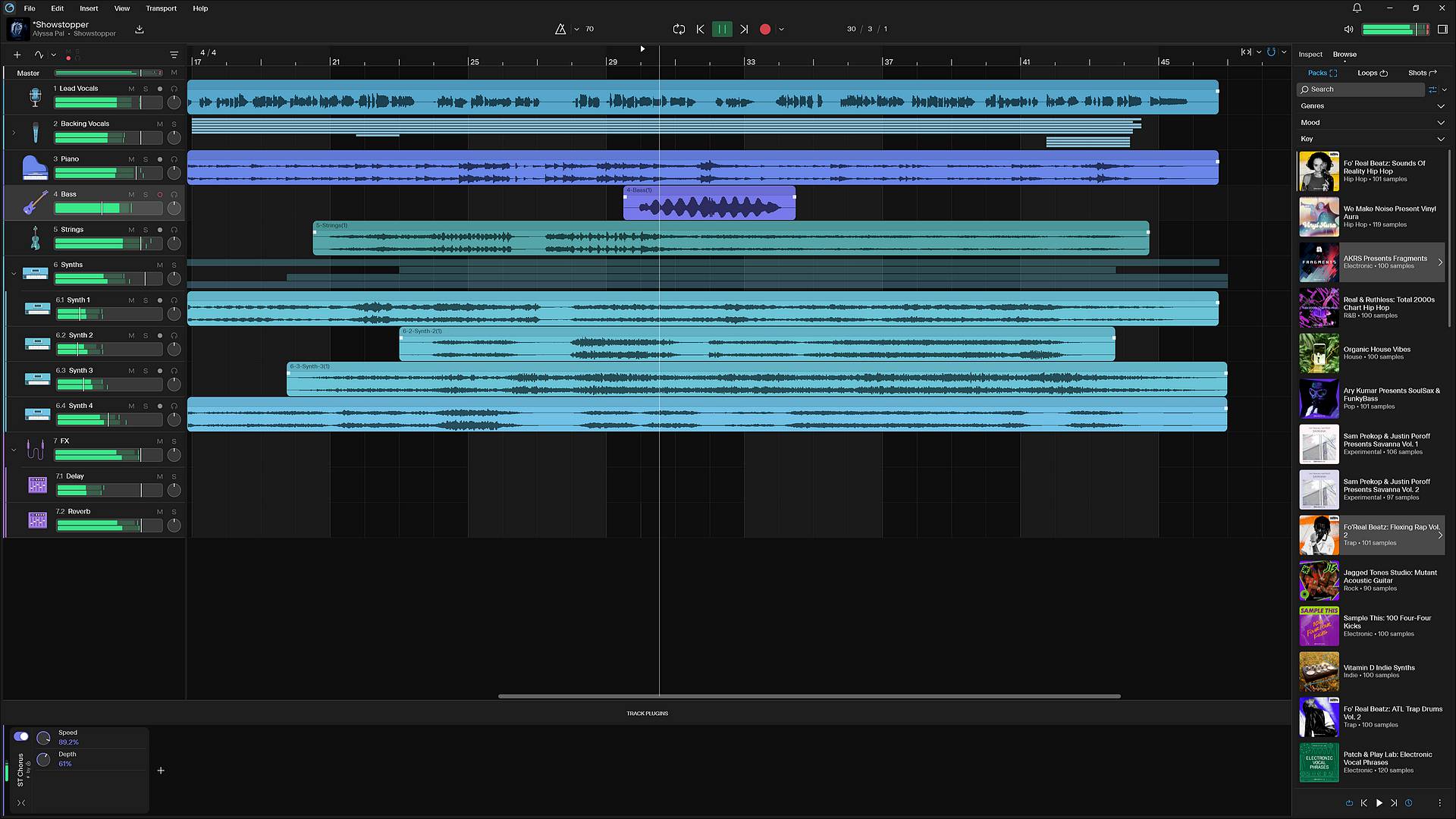
Next is a modern and free DAW developed by Cakewalk, designed to make music creation simpler and more fluid while remaining powerful. Unlike its older sibling, Cakewalk Sonar, which is more geared toward professional mixing and recording, Cakewalk Next targets a broader audience, from beginners to experienced creators.
What makes it especially interesting is its intuitive interface and tools designed to speed up the creative process: lyric management synced to the timeline, arranger tracks for easy song structuring, and direct integration with BandLab Sounds, a massive library of royalty-free samples. It also offers song templates for quick starts, an instrument rack, a sampler, a pad controller, and compatibility with VST and AU plugins.
Cakewalk Next is available on both Windows and macOS, marking a significant evolution from the older Cakewalk, which was historically Windows-only. It also connects directly with the BandLab mobile app, making it easy to transition between desktop and smartphone music creation.
Its only real drawback for now is the lack of a dedicated mixer view, which may limit possibilities for more advanced users. But for composing, arranging, and quickly capturing ideas, Cakewalk Next is a modern, smooth, and highly accessible solution.
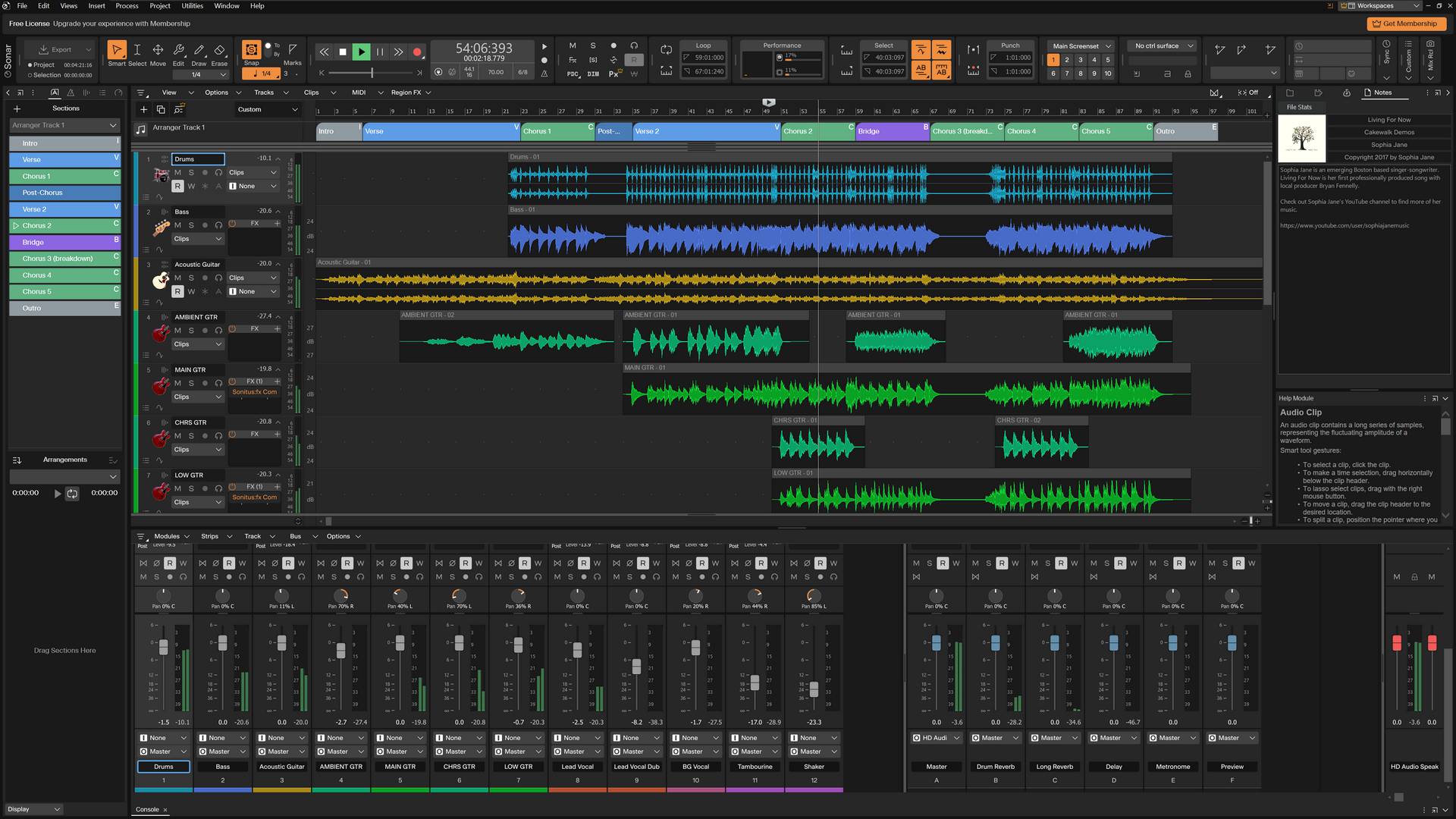
Cakewalk Sonar Free Tier is a free version of the renowned DAW Sonar, offered by BandLab. It allows users to explore the core features of the software without any subscription or payment—just by creating a BandLab account.
What’s impressive is that the free version includes most essential features: recording, editing, mixing, automation, VST plugin support, AudioSnap, ARA, ProChannel, and even unlimited audio, MIDI, and instrument tracks. This makes it a powerful solution for musicians, beatmakers, and sound engineers who want to start producing without an upfront investment.
However, there are a few limitations: the free version includes only one arranger track and lacks some advanced tools like plugin oversampling, Track Manager, Elastique Pro mode, or POWR dithering. Access to the BandLab Sounds library is also limited, and certain plugins like Overloud TH-U are only available in the paid version.
In short, Sonar Free Tier is an excellent entry point into the world of professional music production on Windows. It offers great creative freedom, with a modern interface and a powerful audio engine, while leaving room to upgrade to the Premium version (Sonar) if needed.
Waveform Free, offered by Tracktion, is a free and highly capable version of the Waveform DAW. This software stands out for its accessibility, offering most of the features found in the paid version without major limitations, making it an excellent entry point into music production.
Its interface is modern, clean, and designed for a smooth workflow. Everything happens in a single window, avoiding the need to switch between multiple screens. MIDI and audio editing are intuitive, and the software supports VST plugins, allowing users to easily add external instruments and effects.
Waveform Free also includes creative tools like audio/MIDI clips, automation, and even assisted composition features. It runs on Windows, macOS, and Linux, making it accessible to all.
Of course, some advanced features, such as premium virtual instruments or mastering tools, are reserved for the paid version. But for personal or semi-professional use, Waveform Free is already very powerful. It’s a great choice for musicians looking for a modern DAW without having to invest right away.